RAW and JPEG preserve the same photographic moment in different ways. A JPEG already contains an interpretation of the shot, worked out by the camera. Colour, white balance, contrast, sharpening, and compression are largely fixed. A RAW file retains significantly more of the captured image information and keeps key decisions open until later processing.
JPEG offers immediacy. RAW preserves creative flexibility.
The choice therefore involves more than just file size or editing time. It determines when light, colour, and tonal values take on their final form, and how much control remains until final output.
RAW and JPEG Side by Side
RAW preserves more of the information captured by the sensor and offers greater flexibility for white balance, colour, and tonal values. JPEG is processed in-camera, reduced to a compact file, and can be viewed, shared, or published straight away.
|
Aspect |
RAW |
JPEG |
|
Image information |
Largely preserved |
Already processed and reduced |
|
Colour depth |
12, 14, or 16 bits, depending on the camera system |
Usually 8 bits per channel for in-camera JPEGs |
|
White balance |
Flexibly adjustable |
Largely fixed |
|
Tonal editing |
Extensive latitude |
More limited scope for correction |
|
Compression |
Uncompressed or compressed, depending on the camera |
Lossy |
|
File size |
Larger |
Smaller |
|
Use |
Precise finishing and high-quality output |
Fast sharing and immediate use |
JPEG is therefore not an incomplete version of RAW. It is an already finished result. RAW, by contrast, provides a more open foundation on which the photographic interpretation can be taken further with precision later on.
How RAW and JPEG Process Image Data
A RAW file contains the foundation of the image before it is fully developed. A RAW converter interprets the sensor data and turns it into a colour image. This allows white balance, tonal range, contrast, colour saturation, and sharpening to be adjusted after the shot has been taken. In a non-destructive workflow, the original RAW data is preserved, and any changes are stored separately as editing instructions.
With JPEG, the camera makes these decisions straight away. It processes the sensor data, applies the chosen white balance along with settings for colour, contrast, noise reduction, and sharpening, and then saves a compressed file.
JPEG uses lossy compression. Image data is reduced to create smaller files. The extent of the loss depends on the chosen quality level. If a JPEG is repeatedly saved with new compression, additional artefacts and loss of detail can occur.
The key difference lies in when decisions about the image are made. With JPEG, much of the interpretation is completed in-camera. RAW leaves more of it to later processing.
This openness is not only a safeguard against difficult shooting conditions. It is part of the creative process. RAW processing does not start only when a shot has gone wrong. It is the moment when colour, light, and tone are fully aligned with the photographic intent.

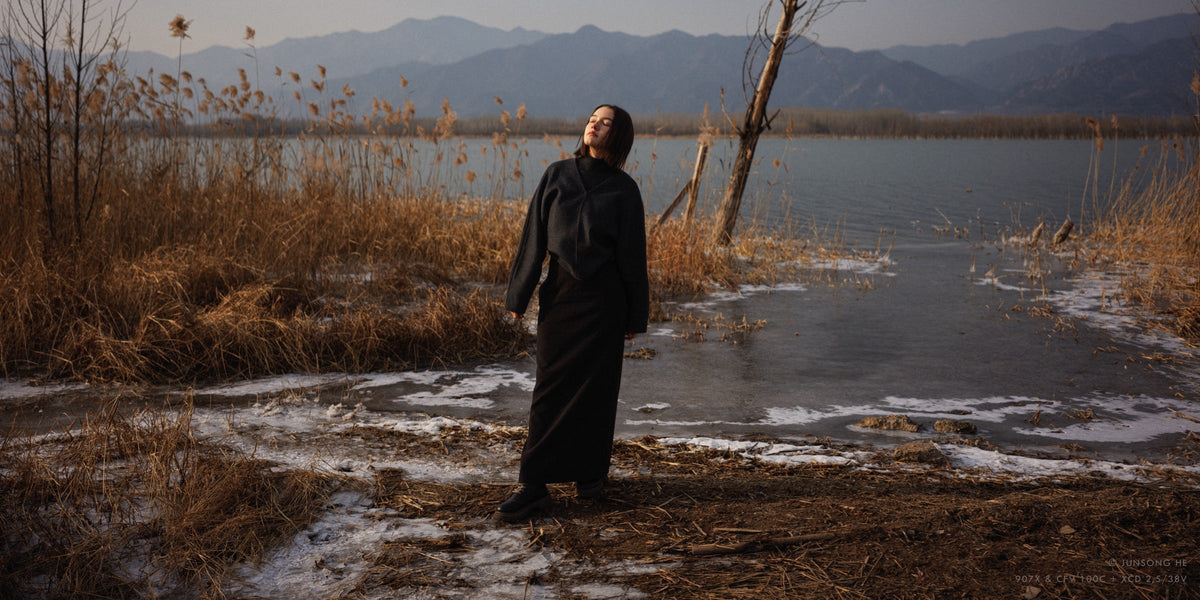
@Mengfei Hu
Colour Depth and Colour Reproduction in RAW and JPEG
Colour depth describes how many values can be stored for each colour channel. With every additional bit, the number of available gradations doubles.
|
Colour depth |
Gradations per channel |
|
8-bit |
256 |
|
12-bit |
4.096 |
|
14-bit |
16.384 |
|
16-bit |
65.536 |
An 8-bit RGB image can store 256 values in each of its three colour channels. Files with a higher bit depth offer significantly more intermediate levels for colour and tonal adjustments. The practical benefit lies less in an abstract number of possible colours than in greater precision during editing.
In a portrait, skin colour changes continuously with the incident light. Warm, lit areas fade into cooler shadows. Comparable transitions can be seen in an overcast sky, in painted surfaces, in textiles, or in the subtle colours of stone and wood.
If colour, contrast, or brightness is changed more drastically, a file with fewer gradations will show visible steps sooner. This banding is particularly noticeable in uniform backgrounds, areas of sky, and smooth colour gradients. A higher bit depth gives you more leeway before these transitions start to break apart.
For Hasselblad, colour depth does not mean making colours appear more intense. Its value lies in separating neighbouring tones precisely and preserving their relationships, even through careful post-processing.
X2D II 100C records with 16-bit colour depth. Its 100-megapixel sensor is designed to preserve subtle colour gradations and delicate tonal transitions. In combination with the Hasselblad Natural Colour Solution (HNCS), this provides a foundation for natural skin tones, differentiated materials, and controlled transitions between light and shadow.
The technical reserve is not intended to show up as an effect in the final image. It creates the conditions for colour to look natural and materials to appear convincing.
[cta: https://store-eu.hasselblad.com/de/products/x2d-ii-100c]
Dynamic Range and Tonal Latitude
Dynamic range describes the span between the darkest and brightest parts of an image in which a camera still records differentiated information. Colour depth and dynamic range work together in image editing, but they describe different characteristics.
RAW does not extend the dynamic range that a sensor actually captured at the time of shooting. However, the format preserves more of the available tonal information. A JPEG has already had a tone curve applied, and its data is reduced to a more compact result. This leaves you less latitude later on to redistribute light and shadow.
For a portrait against a bright window, for example, RAW can offer more latitude to lift skin tones while retaining detail in the brighter parts of the window. In a landscape shot, you can fine-tune the balance between the sky and the darker foreground more precisely. However, if shadows are lifted heavily, noise and colour shifts can become visible.
Even in RAW, completely blown highlights contain no recoverable detail. The file can only use information that the sensor has actually captured.
The value of dynamic range therefore lies not only in recovering individual areas. It preserves the structure of light. Bright areas can stay bright, and shadows can stay dark. The extra latitude lets you decide their relationship deliberately.
X2D II 100C offers a dynamic range of up to 15.3 stops at ISO 50. Together with its 16-bit colour depth, this provides extensive latitude between deep shadows and bright areas in the image.

@Zhenglin Li
RAW and JPEG in the Photographic Workflow
The choice of file format affects more than editing quality. It changes the entire path from capture through selection to output.
JPEG for Fast Delivery
JPEG suits situations in which images need to be available immediately. Smaller files can be imported, transferred, reviewed, and published more quickly.
A carefully configured in-camera JPEG can deliver consistent results under controlled lighting. This requires white balance, exposure, colour reproduction, and contrast to be set for the desired result at the time of capture.
Typical use cases include:
-
instant on-set previews;
-
quick client approvals;
-
editorial workflows with tight deadlines;
-
large volumes of images with a predefined visual style;
-
direct publishing for web and social media.
JPEG shortens the path to a usable image, shifting more creative decisions to the moment of capture.
RAW for Precise Finishing
RAW suits a workflow in which the image is carefully finished after capture.
White balance can be adjusted without the tight limitations of an already rendered JPEG. Colour, local tonal values, contrast, and sharpening can be precisely tailored to the subject and the final output. A larger amount of information supports demanding retouching, different crops, and multiple versions of the same shot.
RAW is particularly valuable for:
-
high-end portrait and product retouching;
-
commercial image series with consistent colour;
-
large-format prints;
-
architectural and art reproduction;
-
complex mixed lighting;
-
multiple aspect ratios and output media;
-
shots you may want to reinterpret later.
Larger files require more storage space, backup capacity, and processing power. In return, you get a more comprehensive master file that keeps more options open right through to final output.
Using RAW and JPEG Together
Saving both formats in parallel combines instant availability with long-term flexibility.
During a shoot, the JPEG can be used for selection, previews, or quick approval. The RAW file is kept as the master file for final colour and tonal editing.
This workflow makes particular sense when you need both speed and high output quality. However, it does require more storage space, as well as clear organisation during import, selection, and archiving.
Colour Control from Capture to Output
A precise colour workflow does not start in the software. It brings together sensor calibration, in-camera processing, RAW development, and final output.
Every Hasselblad medium-format camera is calibrated at pixel level. The Hasselblad Natural Colour Solution processes colour, tone, and contrast with the aim of preserving natural colour relationships and smooth transitions under different lighting conditions. It applies both to JPEG files straight from the camera and to 3FR files processed in Phocus.
HNCS uses a colour table developed by Hasselblad, a specific film curve, and matched colour processing. The idea is not to choose a separate profile for every subject. Skin, fabric, product colour, and surroundings should coexist convincingly within the same image.
Phocus extends this approach into RAW processing. The software offers tools for exposure, colour, tonal values, local adjustments, perspective corrections, and highlight recovery. For applications that require an especially wide colour gamut, such as museums and reproduction studios, the Hasselblad L*RGB working colour space is also available.
The value of this workflow lies in its continuity. A curve adjustment should not unnecessarily shift skin tones. Stronger contrast should not pull subtle colour tones apart. Large-format output should preserve material and tonal relationships instead of merely showing off resolution.
An image that looks natural is not necessarily unedited. Naturalness can be the result of careful finishing, with the technical reserve staying in service of the subject.
RAW or JPEG for Different Purposes
The choice depends not on the photographer's status, but on how much control the final image requires.
|
Application |
Sensible choice |
Reason |
|
High-quality print |
RAW |
Tonal values, colour, and sharpening remain flexible |
|
Commercial production |
RAW, or RAW and JPEG |
Master file plus quick preview |
|
Social media export |
JPEG |
Small, ready-to-use file |
|
Event with rapid turnaround |
JPEG, or RAW and JPEG |
Quick selection with extra latitude |
|
Product and reproduction photography |
RAW |
Accurate colour and material rendering |
|
Shooting with no planned post-processing |
JPEG |
The result is already defined in-camera |
|
Complex mixed lighting |
RAW |
Flexible white balance and more extensive colour correction |
|
Long-term archiving |
RAW plus final export file |
Original data and final interpretation are preserved |
For immediate publishing, JPEG can be the better choice because the entire workflow is geared towards speed. When an image needs careful retouching, colour matching within a series, or high-quality printing, RAW provides the more comprehensive foundation.
Both formats can deliver convincing results. The difference lies in when the final decisions are made.
JPEG brings the process to a close earlier, while RAW keeps it open for longer.
Frequently Asked Questions about RAW and JPEG
Why does a RAW file initially look flatter than a JPEG?
A RAW file often looks flatter because contrast, colour reproduction, and sharpening have not yet been fully applied. The in-camera JPEG already has this processing applied, so it immediately looks higher in contrast, more colourful, and sharper.
Can I share RAW files directly?
RAW files can be transferred, but not every platform can display them directly. For client approvals, web, or print, a JPEG or TIFF is usually exported, while the RAW file is kept as the editable master file.
Should I archive RAW files permanently?
Archiving makes sense for important shots or ones you plan to edit again later. RAW files should be backed up redundantly together with editing data and final exports, so that the original capture and finished interpretation are preserved in the long term.