Colour often reveals itself in the subtlest transitions within an image. In the light falling on skin, in the reflections on glass, or in the subtle nuances of an overcast sky. How accurately a camera preserves these differences is determined by its colour reproduction and colour science.
Colour has a measurable physical foundation. How it is rendered photographically, however, depends on the interplay of light, sensor, calibration, image processing, display, and human perception. Colour science brings these steps together into one coherent visual interpretation.
What Colour Reproduction Means in Photography
Colour reproduction describes how a camera captures and processes the colours of a scene and presents them in a viewable image file. Colour science refers to the technical and creative fine-tuning of this process. It shapes skin tones, the separation of neighbouring colours, the balance between saturation and naturalness, and the transitions between light and shadow, among other things.
Colour theory is a different matter. It explores how colours interact and influence one another within a composition. Colour theory helps you decide which colours carry an image. Colour reproduction determines how reliably these colours are preserved from capture through to final output.
Accurate colour reproduction is not simply about making colours look more intense. Its purpose is to preserve their relationships, gradations, and characteristic qualities.
How Cameras Translate Light into Colour
Sensor, Colour Filters, and RAW Data
A digital image sensor first measures the intensity of the incoming light. To turn this brightness information into a colour image, the individual sensor elements are usually covered by a pattern of red, green, and blue colour filters.
The original sensor data is stored in a RAW file. It does not yet contain a fully developed colour image, only the recorded measurements and information about the shot. It takes in-camera processing or RAW software to interpret this data and build the visible image from it.
Demosaicing and Camera Profiles
A single sensor element captures only the information from the colour filter above it. The missing colour values are calculated from the surrounding measurements. This process is called demosaicing.
Camera profiles then translate the sensor data into defined colours. This involves more than defining individual hues. Tone curves, contrast, saturation, and the way very bright or very dark areas of an image are handled all shape its visual impact.
The path from light to visible colour therefore consists of several carefully coordinated steps. The quality of colour reproduction depends on how precisely the captured information is carried through this processing.

@Clarissa
How Colour Science Shapes Colour Reproduction
Each type of sensor responds a little differently to the spectrum of incoming light. Colour filters, calibration, white balance, tone curves, and subsequent processing also differ. Two cameras can therefore render the same scene in visibly different ways.
These differences go beyond saturation. They become particularly noticeable in skin tones, neutral areas, muted natural colours, and complex lighting conditions. Balanced colour science needs to separate vivid colours from one another without losing subtle tones. Meanwhile, transitions between light and shadow should preserve their continuity.
Colour science therefore combines technical precision with perception. It organises and weights the measured information so that the result comes as close as possible to how the scene actually looked.
A natural rendering is neither flat nor lifeless. It can include depth, contrast, and clear colours without needlessly exaggerating individual colour ranges.
White Balance and the Colour of Light
Depending on its source, light has its own characteristic colour. Candlelight looks warm, open shade often appears cool, and some artificial light sources shift towards green or magenta.
White balance defines which part of a scene is interpreted as neutral. Colour temperature mainly describes the shift between warm and cool light colours. Additional tint correction compensates for shifts between green and magenta.
An unsuitable setting affects not only white and grey areas. It can also shift skin tones, natural materials, and the balance of colours across the entire image.
RAW files give you considerably more latitude for adjusting white balance later than JPEGs that have already been processed. The original sensor data is preserved, while colour temperature, tonal values, and saturation can be reinterpreted. The quality of the result still depends on balanced exposure and on whether individual colour channels were already clipped at capture.
Colour Depth and Dynamic Range
Fine Gradations Without Posterisation
Colour depth describes how many gradations are available for each colour channel. A higher colour depth enables smoother transitions and provides greater latitude for extensive colour and tonal adjustments.
In practice, this is most noticeable in uniform areas and gentle gradients. A clear sky, mist, skin in soft light, or a smooth product surface can develop visible banding if the gradation is insufficient. This effect is known as banding.
X2D II 100C records with 16-bit colour depth and can reproduce around 281 trillion colours. The large number of possible gradations supports smooth transitions and gives post-processing more flexibility before any visible banding appears.
Colour and Detail in Highlights and Shadows
Colour depth determines how fine the gradations are. Dynamic range, on the other hand, describes the span of brightness a camera can capture between deep shadows and bright highlights.
A high dynamic range is especially valuable when a scene contains both very bright and very dark areas. It can help preserve colour in a bright sky, distinguish reflections on metal or glass, and at the same time retain detail in darker materials.
X2D II 100C offers a dynamic range of up to 15.3 stops at ISO 50. Together with the 16-bit colour depth, this ensures that both brightness information and subtle colour relationships within the scene are preserved.

@Albrecht Voss
Colour Spaces from sRGB to Display P3
A colour space defines the range of colours that can be represented in a file. It defines how wide the reproducible colour gamut is. Colour depth, on the other hand, determines how finely the gradations within this spectrum are rendered.
sRGB is the established standard for many web applications and digital platforms. Its broad support makes it a reliable choice for images that need to appear as consistent as possible across different devices.
Adobe RGB, also referred to as A98 RGB in technical specifications, covers a wider colour gamut, particularly in parts of the green and cyan ranges. The colour space is frequently used in photography and print-oriented workflows.
Display P3 also has a wider colour gamut than sRGB and is supported by many modern displays. It can represent a broader range of saturated colours, provided the file is correctly tagged and the output device is able to reproduce this colour space.
A wider colour gamut is not automatically the better choice. What matters is whether the entire chain of editing software, file format, display, and output reliably supports the chosen colour space.
Natural Colour Reproduction with HNCS
HNCS
Natural colour does not come from a single filter. It starts with capture and continues through calibration, processing, and post-processing.
The Hasselblad Natural Colour Solution (HNCS) is a colour management system developed by Hasselblad that links every stage of this process. Each Hasselblad medium-format camera is calibrated at pixel level. A dedicated look-up table, tone curve, and colour processing work together to balance contrast, saturation, and subtle colour nuances.
HNCS takes a universal approach. Photographers do not need to switch between different scene profiles for portraits, landscapes, or still lifes. The aim is consistent rendering that takes into account skin tones, saturated colours, neutral areas, and complex lighting conditions alike.
The result is not meant to impress through exaggerated intensity. Instead, it aims to preserve the colour character of the scene, with clear separation, smooth transitions, and a natural balance between tone, contrast, and saturation.
This consistency carries all the way through post-processing. Hasselblad 3FR files can be processed in Phocus within a workflow tailored to HNCS, so colours and tonal values remain stable even through further adjustments.
HNCS HDR and Bright Image Areas
HNCS HDR builds on the HNCS concept with an end-to-end HDR workflow. A wider reproducible brightness range is combined with the P3 colour space, which is broader than sRGB.
The wider colour space can represent a broader spectrum of saturated colours. HDR also makes it possible to reveal more pronounced differences between deep shadows, midtones, and very bright areas. Colour and brightness remain separate yet closely interconnected dimensions.
X2D II 100C can handle HDR images within an end-to-end capture, editing, and viewing workflow. On compatible HDR displays, this allows colour gradations, bright highlights, and detail in high-contrast scenes to be rendered with greater nuance.
The value of this technology does not lie in making every image appear brighter or more dramatic. Its value lies in preserving subtle differences even in areas where colour and light push the limits of conventional display.
[cta: https://store-eu.hasselblad.com/de/products/x2d-ii-100c]
Colour Management from Capture to Output
Colour management ensures that colour information is transferred in a controlled way between different devices. Cameras, monitors, and printers each have their own technical characteristics and cannot reproduce the same colour gamut or tonal values.
ICC profiles describe the relationship between device-specific colour values and a standardised, device-independent colour space. A colour management system uses these profiles to translate image data between input, display, and output.
A reliable photographic workflow links several carefully matched stages:
Capture profile → RAW processing → working colour space → calibrated and profiled monitor → soft proof → export or print profile
A calibrated and profiled monitor is a key prerequisite, but it is not the only step. The ambient light at your workspace, your choice of working colour space, embedded profiles, and the characteristics of the output medium also influence how you judge an image.
For printing, a soft proof can simulate how paper, printing process, and ink affect colour gamut and contrast. The file is then output using a suitable output profile.
Colour consistency does not happen in a single moment. It is the result of a controlled chain in which every device and every profile passes on the available image information as reliably as possible.
Accurate Colour Reproduction Gives You Creative Freedom
Colour science often works behind the scenes. However, its impact is visible in every image where subtle colours, natural skin tones, or challenging lighting conditions come into play.
Accurate colour reproduction does more than preserve individual hues. It preserves the relationships between them. The warmth of light on a surface, the fine difference between similar skin tones, or the subtle colour in a bright highlight.
Technical precision and photographic expression are not at odds with each other. The more reliably colour information is preserved from capture through to output, the freer your creative decisions can be.
Natural colour is therefore not a preset look. It is a reliable foundation for your own visual interpretation.
Frequently Asked Questions
Why do RAW files look different in different programs?
RAW files contain sensor data, but not a fully processed colour image. Every RAW converter uses its own demosaicing methods, camera profiles, and tone curves. As a result, the colours, contrast, and brightness of the same shot can vary visibly depending on the software.
What is the difference between a camera profile and an ICC profile?
A camera profile converts the sensor data of a specific camera into defined colours. An ICC profile describes how a device such as a monitor or printer reproduces colours, so that the colours can be transferred in a controlled way within a colour-managed workflow.
Does the lens affect colour reproduction?
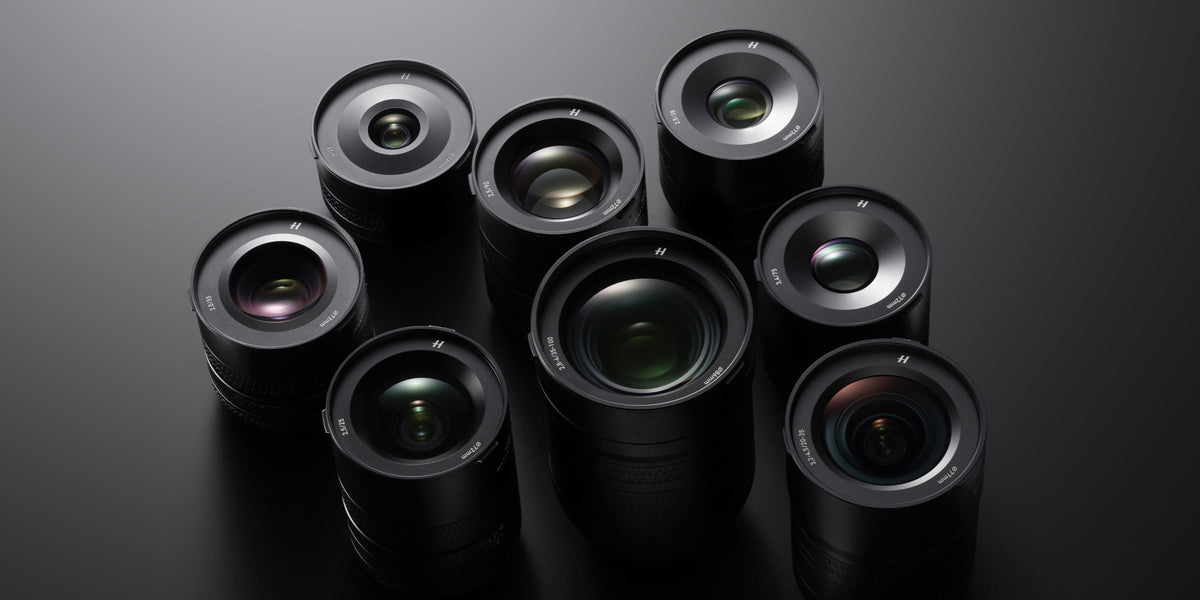
Yes. The lens's coatings, glass types, transmission, and flare behaviour can affect contrast and spectral transmission. The camera's colour science evens out these differences, but the lens is still part of the overall colour reproduction chain.